3D pictures on 3D screens
Sort, fix and view your 3D photos and videos on stereoscopic monitors and 3D projectors.

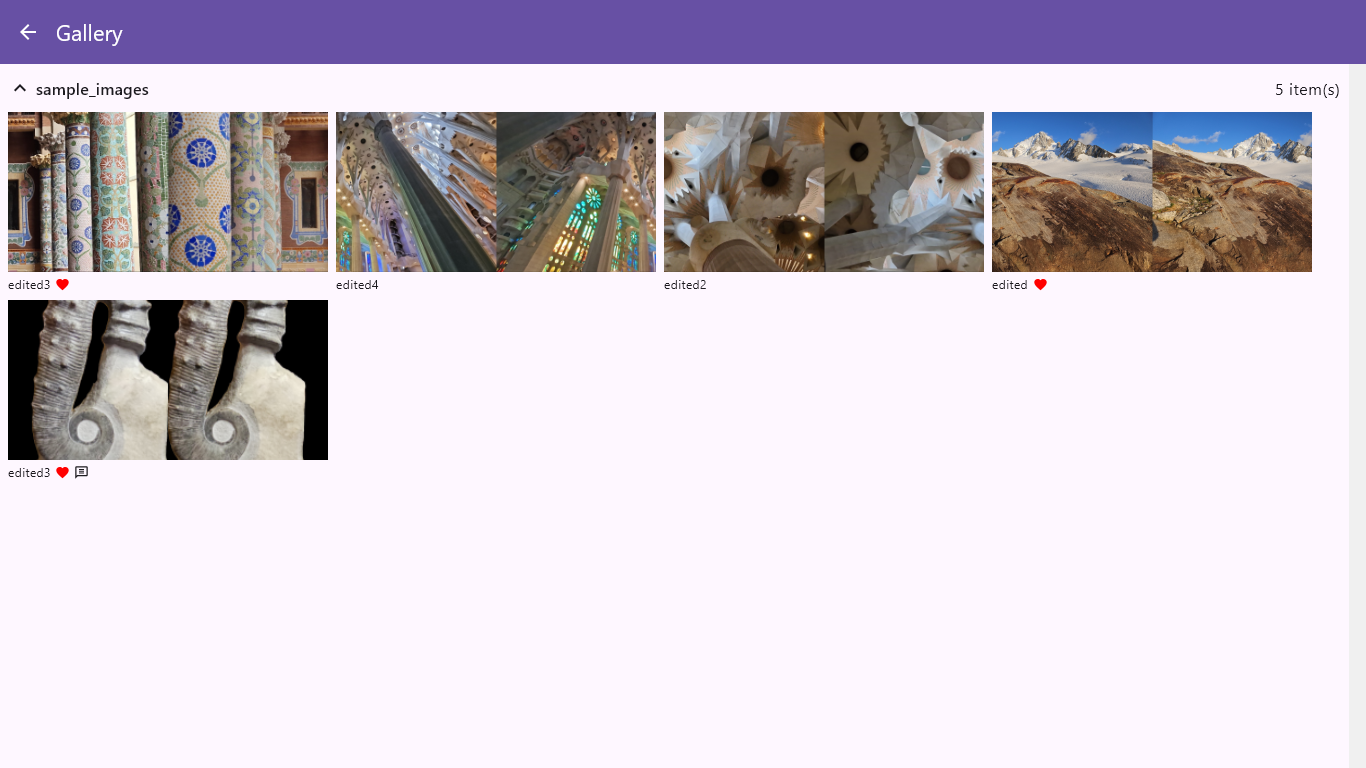
Main features
View, fix and share your 3D photos on Windows.
Supports common 3D file types
- Photos : Side-by-side (SBS) JPEG photos in full or half width, and MPO photos.
- Videos : Side-by-side in full or half width (needs VLC)
Auto stereoscopic screens and projectors
Its full 3D interface enables to view & modify confortably 3D pictures & videos on 3D displays including autostereoscopic 3D display like Samsung Odyssey 3D screen
Alignment and cropping
Automatic or manual alignment (keyboard, or click matching points), zoom correction and cropping.
Fix stereo issues
Spot problems in a pair, and repair one eye's photo from the other with "Copy from image".
3D playlists
Playlists with background music, titles and comments floating at the depth you choose, and rolling credits.
Playlists can include both photos and videos
Share and export
Export as left image, right image, side-by-side or red/cyan anaglyph, by email or to your Downloads folder.
Photo archive features
Set comments, favorites, stereo issue badges, ... in the EXIF metadataTip: pair it with 3D Camera
Shoot with 3D Camera on Android, copy your side-by-side photos or playlists to your PC and open them here.
Getting started
Three steps to your first full-screen 3D photo.
Install the app
Get SBS 3D Viewer from Microsoft Store. To play videos and music, also install VLC media player.
Open a 3D photo
Double-click a side-by-side JPEG or MPO file, or choose images, videos or a whole folder from the home screen.
Switch your display to 3D
Set your monitor or projector to side-by-side 3D, then enjoy. Align, crop or share from the 3D menu.
Ready to view in 3D?
SBS 3D Viewer is free and open source (Apache License 2.0). Your photos stay on your computer. See the privacy policy.
Download for free